


In 2025, the Digital Business Card App has become the new standard for networking. Gone are the days of exchanging printed cards that end up forgotten in wallets or drawers. Traditional paper cards often get lost, are difficult to update, and lack the convenience of digital options. Today’s professionals share their details with a single tap, scan, or link — all thanks to digital business card apps.
These apps do more than just replace paper cards. Unlike traditional paper business cards, digital alternatives offer interactive features and are more eco-friendly, making them a smarter choice for modern professionals. They let you show who you are — your brand, your work, your style — in a modern, eco-friendly, and interactive way. Whether you’re a freelancer looking to stand out, or a company managing hundreds of employee profiles, the right app can transform how you connect and grow relationships.
In this article, we’ll help you find the best digital business card for your needs by comparing top platforms and highlighting key features like usability, customization, and security.
What Is a Digital Business Card App?
A digital business card app is a mobile or web tool that allows you to create, customize, and share your professional identity electronically. A virtual business card is a customizable, digital version of a traditional card that can be shared across multiple platforms. Instead of handing out printed cards, you send a link, a QR code, or tap an NFC tag to share your information instantly.
Unlike static paper cards, digital ones are editable in real time. You can update your phone number, job title, or company logo anytime — and every person you’ve shared your card with will always see the latest version. Most apps also let you include interactive elements such as website links to your website, portfolio, or social media, turning your card into a mini personal website. An electronic business card enables seamless contact exchange and integration with modern networking tools.
You can share your card via link, QR code, or NFC—no app needed for recipients to access your information. A good example is the blinq card, a versatile digital business card solution with customizable fields, multiple sharing options (QR, NFC, link), and Apple Watch integration. For example, you can send a QR code by email or display it on your phone; recipients scan the code to instantly save your contact details.
In short, an virtual business card app is the smarter, faster, and greener way to introduce yourself.
Why Professionals and Teams Are Switching to Digital Cards
The shift to digital isn’t just a trend — it’s a necessity. As business moves online and remote collaboration becomes the norm, professionals need tools that make networking effortless and measurable. While freelancers and companies benefit from these solutions, digital business card apps are also ideal for individual users seeking secure and easy contact sharing.
Digital cards make it easy to connect in every setting: a Zoom call, a conference, a client meeting, or even a casual chat at a café. You don’t have to worry about carrying stacks of cards or running out mid-event.
For teams and enterprises, virtual business card apps bring something paper cards never could — control and insight. These apps enable each team member to maintain brand consistency across all digital cards, and allow managers to monitor team member performance in sharing and engaging contacts. Marketing departments can ensure every employee’s card follows brand guidelines, while managers can track how often cards are shared or viewed. It’s networking with data, not guesswork. With best digital business cards, professionals can achieve better follow-ups, stronger connections, and maintain valuable business connections that are essential for long-term success.
How Digital Business Cards Work?
At their core, digital business card apps are built around simplicity and speed. You start by designing your card within the app — adding your name, company, photo, and links. Once it’s ready, you can share it in multiple ways:
- QR Code: Let someone scan it with their camera.
- NFC Tap: Tap your phone or NFC tag to transfer details instantly.
- Shareable Link: Send your card via email, chat, or social media.
The recipient doesn’t even need to download the app — they can view your card in any browser and save your contact with one click. Behind the scenes, the app can record metrics like how many times your card has been viewed or saved, and also track card scans to analyze engagement. Many digital business card apps include features to capture leads, such as interactive forms or call-to-action buttons, making it easier to collect contact information and enhance your lead generation efforts.
Key Benefits of Digital Business Cards
Switching to digital business cards offers more than just convenience — it’s a smarter, more dynamic way to represent yourself and your brand. Modern apps now include features like analytics, customization, and cloud integrations that go far beyond contact sharing.
Environmentally Friendly
No more paper waste, printing costs, or redesigns every time your title changes. Going digital means staying sustainable — and showing clients you care about the planet.Digital Business Card Design: Creating a Visually Appealing Card
First impressions matter. Your digital business card is often the first glimpse of your professional identity. Leading platforms like Blinq make design easy with customizable templates, dynamic email signatures, and virtual backgrounds.
Keep your essentials front and center — name, title, logo, and up-to-date contact details — while using your brand colors and typography for consistency. Add interactive elements like clickable links or social media icons to make your card stand out. Aligning your card’s design with your overall branding creates a cohesive and memorable presence across every interaction.
Digital Business Card Storage: Keeping Your Contacts Organized
As your network grows, staying organized is key. Apps like Blinq let you store and manage all your cards in one centralized dashboard, making it easy to categorize and access your connections. You can even create multiple cards — personal and professional — and switch between them in seconds.
With strong encryption, cloud backups, and secure sync, your data stays protected while always within reach. Efficient contact storage ensures you never lose a lead and keeps your professional network running smoothly as you scale.
Secure & Reliable
Modern platforms use end-to-end encryption and cloud storage for maximum protection. With compliance standards like SOC 2 and GDPR, your information stays private yet easy to manage.
Switching to digital business cards offers more than just convenience. It’s a complete upgrade to how you present yourself and your brand. Many digital business card apps also offer additional features such as analytics, customization, and integrations, providing even more value for users.
Digital Business Cards vs. Paper Cards
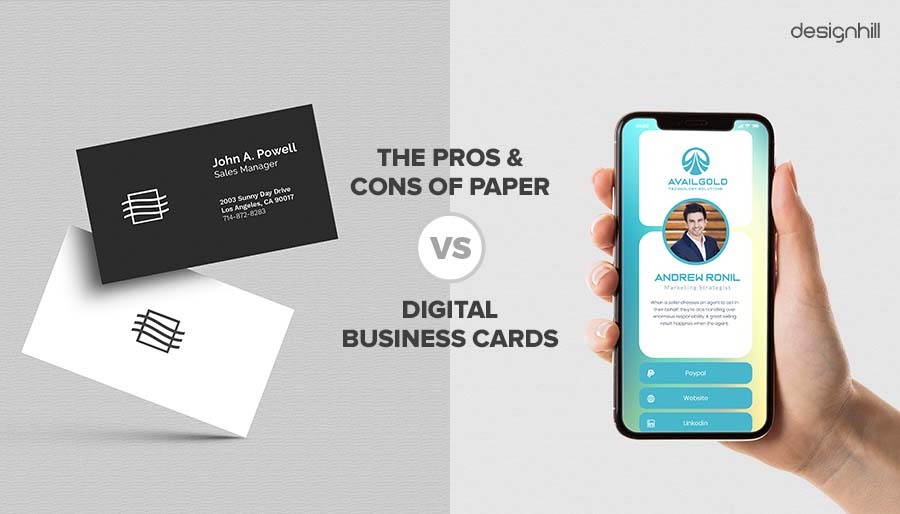
Let’s face it — traditional business cards have had their moment.
They’ve served us well for decades, but in an age of smartphones, cloud storage, and instant sharing, paper simply can’t keep up.
Here’s how digital cards compare:
| Feature | Paper Business Card | Digital Business Card |
|---|---|---|
| Cost | Recurring printing expenses | One-time setup, free updates |
| Editing | Requires reprint | Update instantly |
| Sharing | In-person only | Share via link, QR, or NFC (including NFC card) |
| Data Insights | None | Track views and interactions |
| Sustainability | Wasteful | 100% eco-friendly |
| Integration | Manual data entry | CRM integrations and contact sync |
Beyond convenience, digital business cards create a smoother experience for everyone involved. Recipients don’t have to type your contact info — they simply tap or click to connect. You can also use physical NFC cards as high-quality, tangible options—such as metal cards—that enhance your branding and professional image. These physical NFC cards offer a premium feel and strong physical presence for instant contact sharing, or you can use an NFC card to facilitate quick, contactless exchanges. And for you, that means less friction, better follow-ups, and stronger connections.
Top Digital Business Card Apps for 2025
There are dozens of virtual business card apps on the market, but only a few truly stand out for their design, functionality, and reliability.
Below are seven of the best options in 2025 — each offering something unique for individuals, teams, and enterprises. The best digital business cards provide advanced features, analytics, and integrations to enhance your networking experience. Many platforms also offer free trials and a free plan, allowing users to test out basic features, customization, and integrations before making a commitment. Whether you’re looking for branding control, NFC tech, enterprise-level security, or robust team management tools for large organizations managing multiple users, you’ll find the perfect fit here.
BizCard — The All-in-One Digital Identity Solution
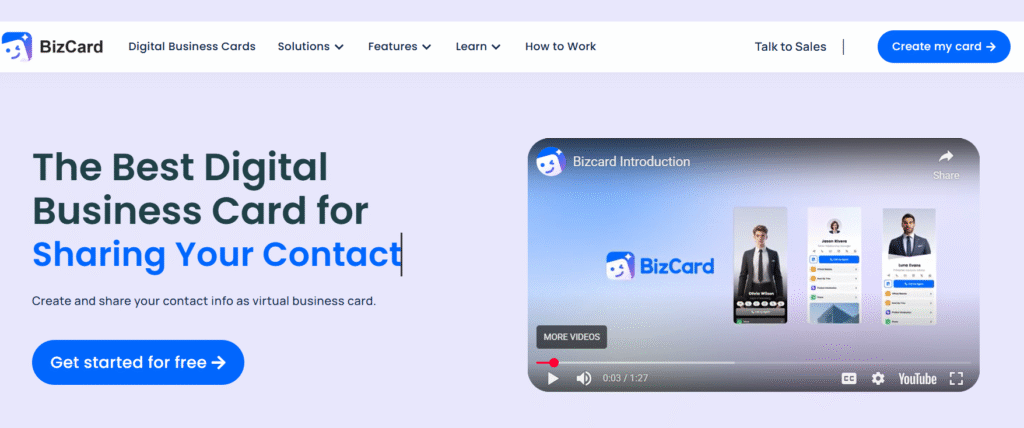
If you’re looking for a balance between creativity and control, BizCard delivers both. It’s an all-in-one digital identity platform designed for professionals who want to make every introduction count.
BizCard lets you design interactive, visually appealing cards that go beyond simple contact details. You can include clickable links, social profiles, and even short videos to bring your brand personality to life. The platform’s intuitive dashboard makes editing and sharing effortless — just generate your QR code, copy your link, or tap your NFC tag to connect instantly.
As a business contact manager, BizCard helps sales teams and professionals efficiently organize, track, and follow up with contacts, integrating seamlessly with CRM systems and other business tools. Additionally, BizCard can provide enriched contact data, enhancing personalized marketing campaigns and improving customer relationship management through integration with various CRM and email marketing platforms.
Teams love BizCard because it’s CRM-friendly and integrates smoothly with tools like HubSpot, Salesforce, and Zoho. Its built-in analytics help track engagement, giving you insights into who viewed or saved your card.
Why it stands out:
- Sleek, professional templates with flexible branding options
- Real-time editing and cloud sync
- Engagement tracking and CRM integration
- Secure and scalable for business use
BizCard is ideal for freelancers, business owners, and enterprise teams who want a digital business card that’s both practical and powerful.
HiHello — The Professional Presence Platform
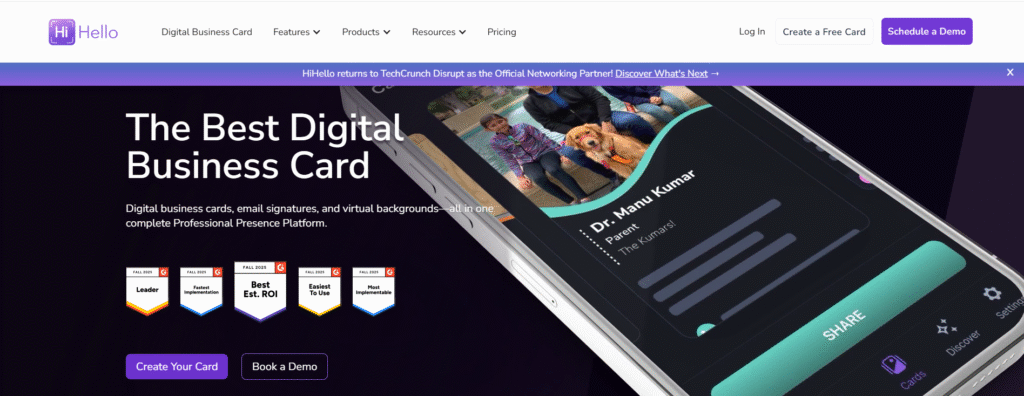
HiHello is one of the most recognized names in digital business cards, and for good reason.
Used by professionals across industries — including employees at over 90% of Fortune 500 companies — HiHello turns traditional networking into a seamless, modern experience.
The platform focuses on professional presence. You can design elegant digital cards, add company branding, and even integrate custom email signatures or virtual meeting backgrounds. Email signatures can be automatically generated from your digital business card, reducing manual effort and ensuring consistency across your organization. HiHello also makes contact capture easy — every time you share your card, you can automatically save new leads to your phone or CRM.
What makes it special:
- Enterprise-ready with secure team management
- Branded email signatures and virtual backgrounds
- Integrations with CRMs, productivity apps, and Google Workspace for seamless workflows
- Mobile-friendly and browser-based for easy sharing
If you want your network to remember you not just as a contact, but as a complete professional brand, HiHello is the app to use.
Blinq Card— Smart, Fast, and Enterprise-Trusted
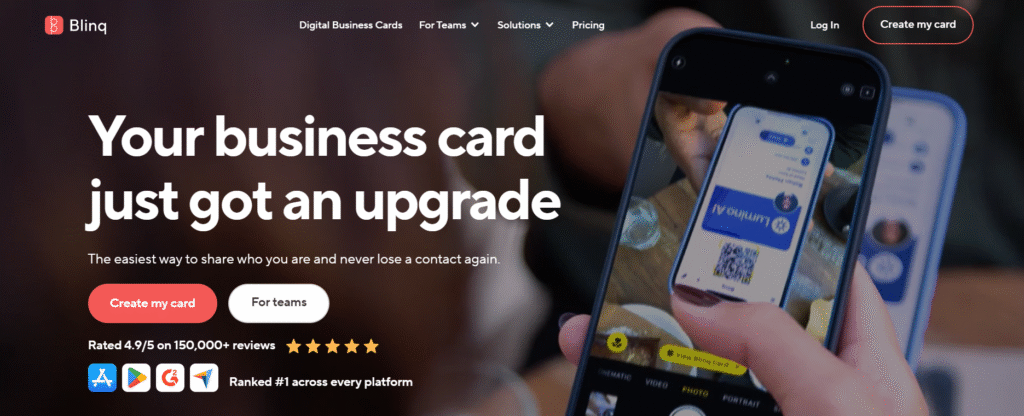
Blinq has built a reputation as one of the fastest-growing electronic business card apps, trusted by millions of users worldwide. The blinq digital business card is an innovative and user-friendly solution that makes networking seamless for professionals and team members alike.
It’s especially popular with organizations that value both simplicity and scale — Blinq is used by employees at more than 93% of Fortune 500 companies.
Blinq cards can be shared in seconds through QR codes, NFC cards, Apple Watch, or the Blinq widget on your phone. The Blinq widget gives users instant access to their electronic business card right from the home screen, making it possible to share contact details with just one tap — no need to open the app. This small but powerful feature highlights Blinq’s focus on speed, convenience, and real-world usability.
Blinq digital business card offers flexible sharing options, helping professionals connect efficiently in any situation. For teams, the Blinq Dashboard allows admins to manage hundreds of cards, maintain consistent branding, and track engagement metrics — all from a single platform. Blinq Business serves as a comprehensive enterprise solution, enabling organizations to create, manage, and control digital business cards for employees, complete with CRM and HR integrations for seamless workflows.
The Blinq app also enables users to share and scan contact details instantly — even with recipients who haven’t installed the app — ensuring fast, secure, and frictionless information exchange.
Highlights:
- Works seamlessly across devices (including Apple Wallet)
- Team management and bulk creation options
- Data security with SOC 2 compliance
- Free forever for individuals
Blinq is ideal for companies that want a polished, enterprise-grade digital card solution without losing ease of use.
Popl — NFC-Powered Networking
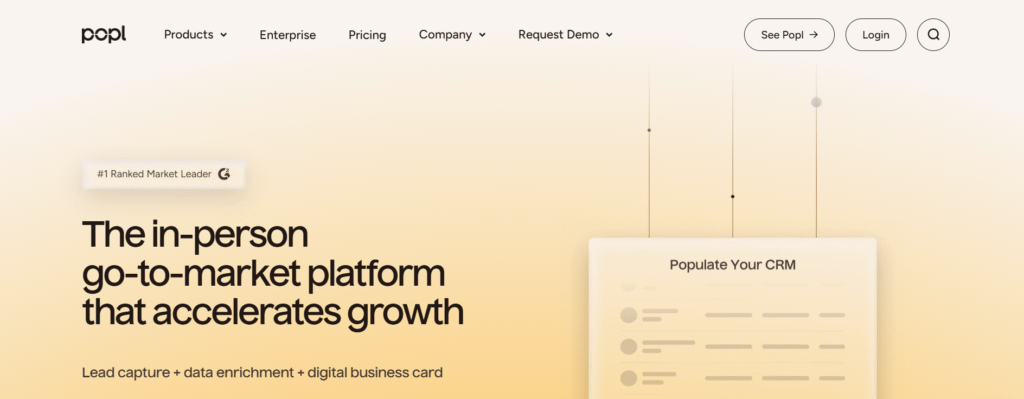
When it comes to tap-and-go networking, Popl leads the pack.
Popl is a provider of smart business cards with advanced features like branded QR codes, CRM integration, real-time engagement tracking, and dynamic lead capture, making it a top choice for modern digital contact sharing.
This app uses NFC technology to make sharing your information as simple as tapping your phone or card. You can create a custom Popl profile that includes contact info, social links, and multimedia — and share it with anyone, even if they don’t have the app.
Popl also shines in team collaboration. With Popl Teams, managers can assign, track, and analyze digital cards across large sales or event teams. It’s a perfect fit for conferences, expos, and high-volume networking environments, where Popl enhances customer interactions by facilitating seamless exchanges and engagement at trade shows and conferences.
Why users love it:
- Instant NFC sharing with customizable devices
- Popl Teams for group management
- Real-time analytics and lead capture
- Sleek, intuitive user interface
For professionals who thrive on in-person events, Popl turns every tap into an opportunity.
Haystack — Simple Yet Powerful
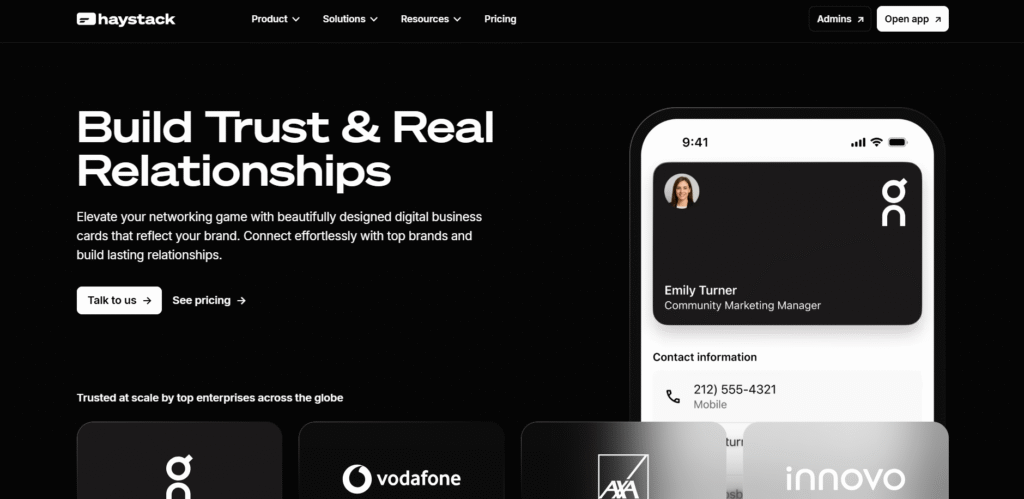
Haystack proves that simplicity can be powerful.
It’s one of the earliest digital business card apps, and it’s still a favorite among users who want something elegant and straightforward.
Haystack cards are clean, professional, and completely editable — you can change any detail at any time without reprinting or redesigning. It’s compatible with both iOS and Android and integrates well with tools like Outlook and Google Contacts.
Best features:
- No app required for recipients to view your card
- Automatic syncing with CRM systems
- Beautiful, minimalistic design templates
- Easy contact import/export
Haystack is perfect for individuals and small businesses that want a lightweight yet reliable digital card experience.
Uniqode — Enterprise Security Meets Simplicity
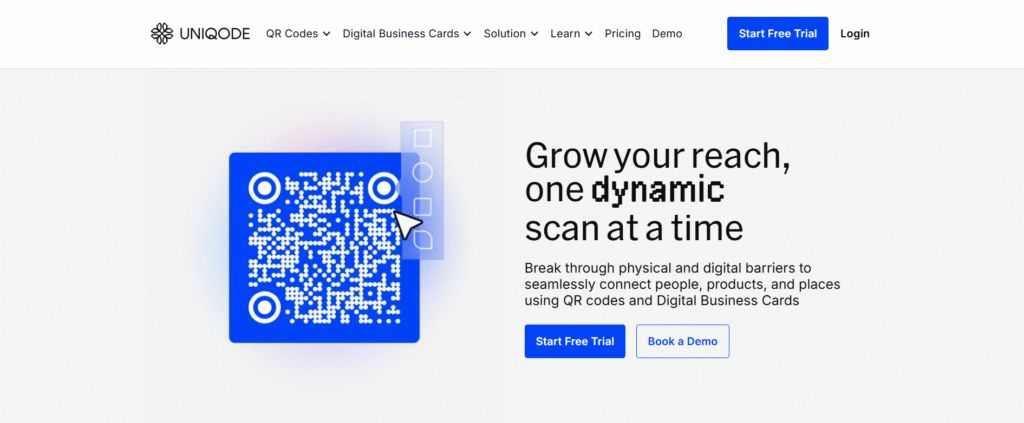
Formerly known as Beaconstac, Uniqode is built for organizations that take security and compliance seriously.
This platform offers GDPR- and SOC 2-compliant digital business cards, making it ideal for enterprises with strict data policies.
Uniqode allows companies to create and distribute digital cards in bulk while maintaining full control over design and permissions. It also integrates seamlessly with CRM systems and marketing automation platforms, ensuring every contact captured flows directly into your sales funnel. For enterprise users, Uniqode supports integration with Active Directory for streamlined contact management and authentication. Additionally, it offers compatibility with Microsoft Dynamics to enable seamless CRM workflows alongside other platforms like Salesforce and HubSpot.
Why it’s great for enterprises:
- Advanced data protection and encryption
- Scalable management for large teams
- Easy integration with Salesforce, HubSpot, and more
- Deep analytics for tracking usage and engagement
If your company operates in regulated industries like finance, healthcare, or technology, Uniqode offers the security-first networking solution you need.
QRCode Chimp — Create & Customize Instantly
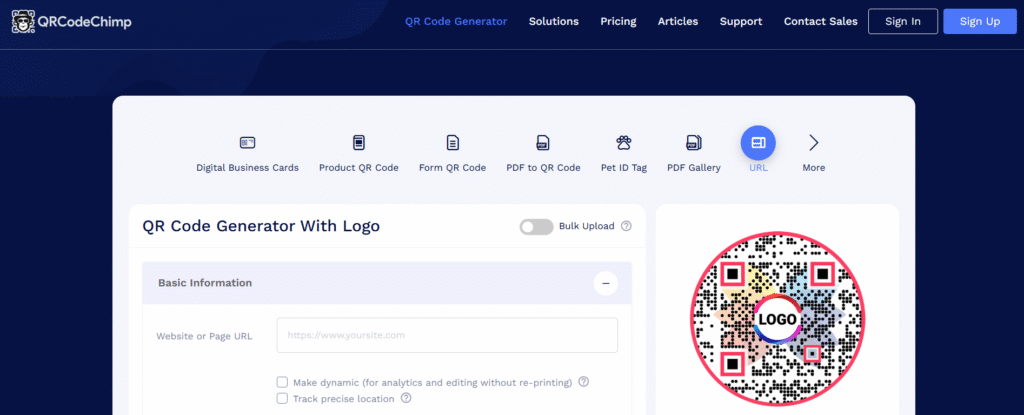
QRCode Chimp makes creating a digital business card effortless — no tech skills required.
You can design a fully branded card in minutes by choosing a template, uploading your logo, and customizing your color scheme. QRCode Chimp helps users create professional digital cards that reflect their brand identity. Each card generates a unique dynamic QR code, so you can update your details without ever reprinting.
It’s great for small businesses, event organizers, and anyone who wants a simple, low-cost way to go digital.
Top features:
- Intuitive drag-and-drop editor
- Custom logo and brand colors
- Downloadable QR codes for print or digital use
- Interactive virtual business cards that let recipients tap, click, or scan to instantly access your contact information, links, and resources
- Free tier available with generous customization options
QRCode Chimp is the perfect starting point for users who want a quick, creative, and affordable entry into digital networking.
How to Create Your Digital Business Card
Creating a digital business card might sound technical, but it’s actually quick and straightforward.
Most modern apps are designed to be intuitive — you can have a polished, professional card ready to share in less than five minutes. Whether you’re crafting a card for personal networking or rolling out branded profiles for your entire team, the process follows a few simple steps. Additionally, digital business card apps simplify contact management for professionals and teams, making it easier to organize, sync, and maintain your network.
Step 1 – Choose an App
Start by choosing the right app for your goals.
If you’re an individual professional, tools like Blinq or HiHello offer easy customization and free plans. For teams or enterprises, platforms such as Uniqode or BizCard provide stronger branding control and analytics. Wave Connect is another comprehensive digital business card platform, known for its robust contact management, networking features, and sharing workflows. Wave Connect offers a range of plans, including free, pro, and team options, each with different features and pricing to suit various business needs.
Pro tip: Think about where you’ll use your card most — online, at conferences, or during client visits — and choose an app that supports your preferred sharing method (QR, NFC, or link).
Step 2 – Customize Your Card
Your digital card is your modern handshake — make it memorable.
Add your full name, title, company logo, and photo. Include links to your website, portfolio, or LinkedIn profile. Some apps let you go further by embedding video intros, social media buttons, or branded backgrounds.
Consistency is key. Use your company’s colors and fonts to keep your card aligned with your brand identity.
Pro tip: Keep it clean and focused. A cluttered card can feel overwhelming, while a well-designed one leaves a professional impression.
Step 3 – Share It Anywhere
Once your card is ready, it’s time to share.
Digital business cards can be sent through QR codes, NFC taps, text messages, or personalized URLs. You can also embed them in your email signature or include them in your virtual meeting background to make introductions seamless.
No more running out of cards or forgetting them at home — your digital card is always with you, on every device.
Pro tip: Add your card link to your LinkedIn “Contact Info” section and social bios — it’s a subtle but powerful visibility boost.
Step 4 – Update Anytime
One of the biggest advantages of going digital is flexibility.
If your job title changes, your phone number updates, or your company rebrands, you can edit your information instantly. Everyone who’s saved your card will automatically see the new details — no reprints, no awkward corrections.
Many apps even sync updates across your team, so every employee stays current with the latest company branding.
Pro tip: Schedule a quick quarterly review of your digital card. Keeping it fresh ensures you’re always sharing the most accurate version of your professional identity.
The Future of Digital Business Cards: Trends to Watch in 2025 and Beyond
The digital business card landscape is evolving rapidly, with exciting trends shaping the way professionals connect and share information. In 2025 and beyond, expect to see artificial intelligence (AI) and machine learning (ML) play a bigger role in digital business cards, offering features like automated lead generation, smart contact recommendations, and predictive analytics to help you make the most of every introduction.
Security and data protection are also taking center stage, with digital business card platforms investing in advanced encryption and privacy controls to keep your information safe. Integration is another key trend—look for platforms that seamlessly connect your digital business card with CRM systems, email signature management, and payment integrations, creating a unified digital business solution.
NFC cards and virtual meetings are becoming standard, allowing you to share your business card with a tap or during a video call. Staying up to date with these innovations ensures your digital business cards remain a powerful tool for networking, lead generation, and professional growth. As the digital business world continues to evolve, embracing these trends will help you stay ahead and make every connection count.
Conclusion
Networking has changed — and the best professionals are changing with it. Whether you’re a freelancer looking to make a strong first impression or a large team aiming to modernize client interactions, digital business card apps make connecting effortless, memorable, and measurable.
Instead of printing stacks of paper cards that get lost or outdated, you can share a single digital identity that evolves with you. Update your contact details in seconds, add links to your portfolio or LinkedIn, and make every introduction count.
The tools are here — from BizCard’s all-in-one platform to Blinq and HiHello’s enterprise-ready solutions — and the time to start is now. Take the first step toward smarter networking today. Go digital, stand out, and let your connections grow beyond the limits of paper.
Frequently Asked Questions
What is a digital business card?
It’s a virtual version of a traditional business card that you can share through QR code, NFC tap, or a digital link. It holds your contact details, branding, and online profiles — all in one easy-to-access format.
Are digital business cards free?
Many apps, such as HiHello and Blinq, offer free plans with essential features. Premium tiers add options like branding control, analytics, and CRM integration.
Can I share my digital card without the app?
Yes. Most modern platforms allow recipients to view and save your card in their browser — no downloads required.
Are digital business cards secure?
Absolutely. Top providers like Uniqode and BizCard use encryption and follow global security standards such as GDPR and SOC 2 compliance.
Do they work with Apple and Google Wallet?
Yes. Apps like Bizcard integrate directly with Apple Wallet and Google Wallet, letting you access your card with a single tap.
Can teams or enterprises use digital business cards?
Definitely. Corporate-focused platforms like SPOTIO, Uniqode, and BizCard are built for teams — offering centralized management, analytics, and custom branding.

![What is NFC in Phones? How Does it Work? How to Use [2026 Ultimate Guide]](https://card.biz/wp-content/uploads/2025/12/image-125-420x280.png)
