


Compared to traditional barcodes, QR codes scan faster and encode information in all directions, allowing them to be scanned from almost any angle and hold more data. It’s important to understand how small a QR code can be while remaining functional, especially if you plan to use it on business cards, product packaging, or other smaller items. However, if your codes are too small, they won’t work at all when printed or used directly, which will prevent customers from engaging with them. So, in order for a QR code to be scannable, many factors must be taken into account when choosing the size.
But how small can a QR code be? How do you ensure that a QR code is small without compromising functionality? In this guide, we will provide you with a detailed introduction to the minimum QR code size requirements, to understand how small a QR code can be or how big it should be in order to be scanned, and other related information.
Minimum Size of a QR Code
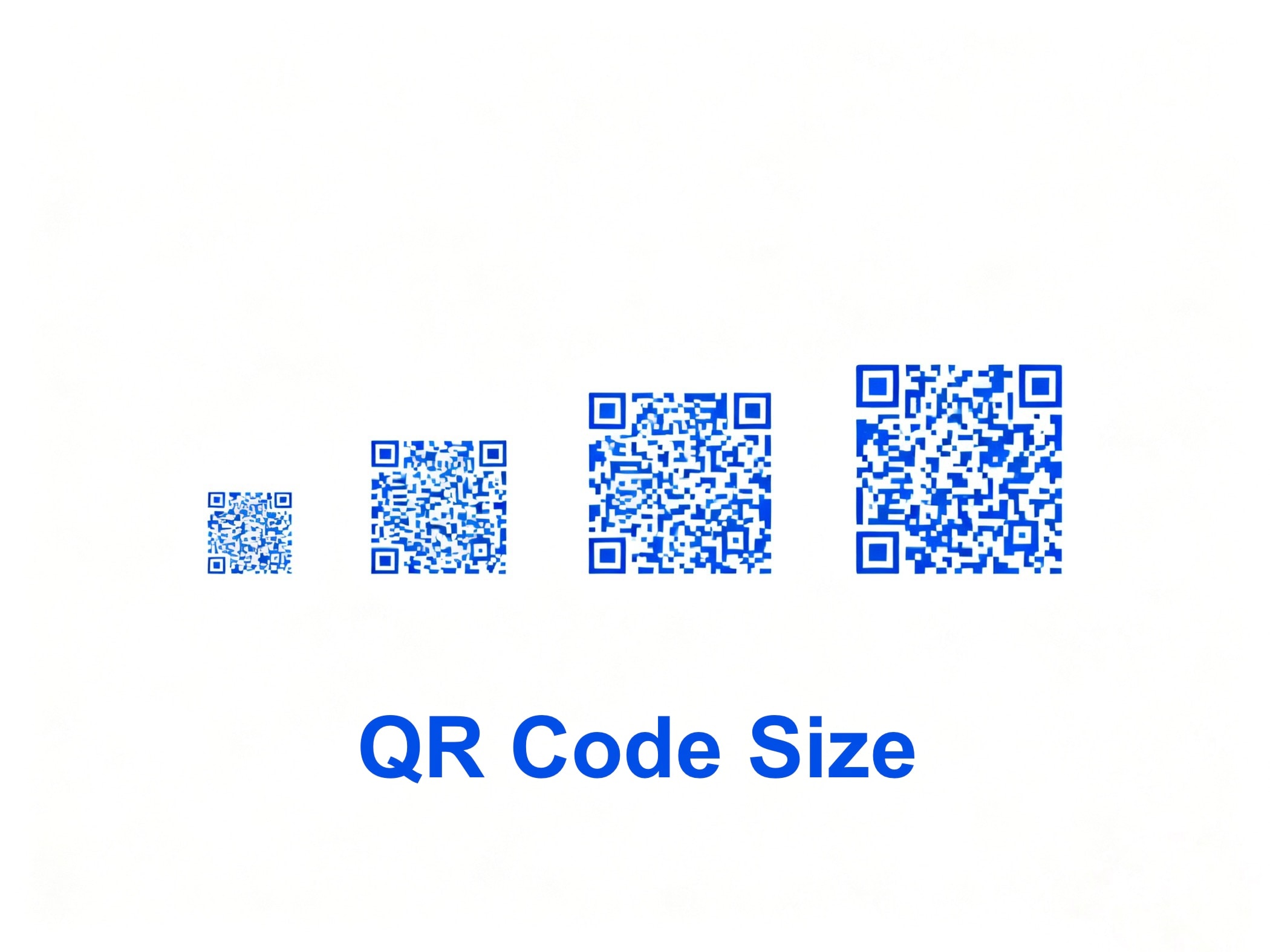
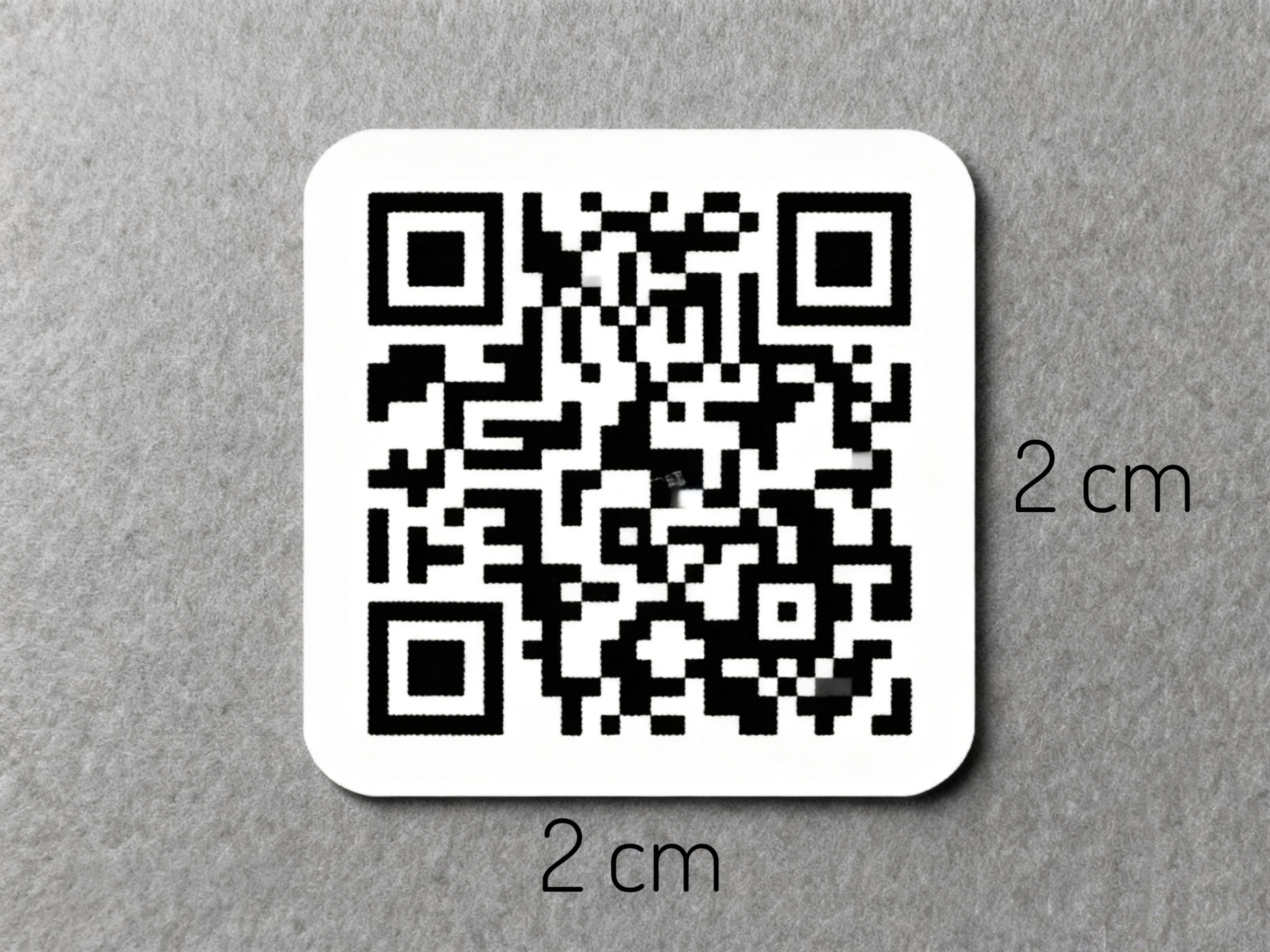
The minimum QR code can be as small as 1 x 1 cm, that is 0.4 x 0.4 inches and 38 x 38 pixels, but this is only technically speaking. This size is only suitable for very close scanning. In practice, the smallest QR code size is usually 2 x 2 centimeters, and any size smaller than 2 x 2 cm is probably going to fail the scan, especially if it is printed and then scanned.
Minimum Size for Printing QR Codes
The QR code minimum size that meets printing standards is 1cm x 1cm. However, it is not recommended to print such a tiny QR code, as it may be difficult for smartphones to easily scan it. The QR code for commercial or personal use is usually 3x3cm (1.1811 x 1.1811 inches) to 5x5cm (1.9685 x 1.9685 inches).
Therefore, it is best to print QR codes with a minimum size of at least 2 cm x 2 cm (0.8 x 0.8 inches). A well-tried experience is to make the size of the QR code about 10% of the size of the area where it will be placed.
Minimum Size for Digital QR Code
For digital applications, the minimum digital QR code size of 240 pixels at 72 dpi assumes a 1080p display.
Since many digital QR codes are combined with signage, the minimum code size will need to increase depending on the distance between the code and the scanner.
Minimum Size of QR Codes on Business Card
The minimum size of a QR code on a business card can be 2 x 2 cm (0.8 x 0.8 inches). It is especially suitable for standard business cards whose dimensions are usually 9 x 5 centimeters.
However, if the size of the business card allows it, you can also use a larger QR code if it’s better for easier contact sharing. For example, a 2.5 x 2.5 cm (1 x 1 inch) QR code business card for better scanability.
Minimum Size of QR Codes That Can Be Scanned on Different Devices
Most electronic devices, such as smartphones, can scan QR codes that are at least 2 x 2 centimeters in size. Most QR code scanners can scan the minimum size. However, some older models may require a larger QR code size to read properly. If you need to use a smaller QR code size, you can take this into account.
Minimum Size Reference Chart
- Close-up scans (e.g., business card): 0.8 x 0.8 inches minimum
- Arm’s length (e.g., menu): 1 x 1 inch minimum
- Mid-length (e.g., flyer): 1.5 x 1.5 inches minimum
- Far away (e.g., billboards): minimum size varies depending on billboard dimensions and scanning distance.
The smallest, or micro QR codes, are used in situations where space is limited, such as product labels and business cards. The minimum size of the QR code is different for different applications. However, you can choose to enlarge the QR code when you are not sure if the smallest size can be scanned accurately.
| QR Code Size | Maximum Reliable Scan Distance | Common Applications |
|---|---|---|
| 1 x 1 cm | ~10 cm | Experimental, simple URLs only |
| 1.5 x 1.5 cm | ~15 cm | Labels in controlled conditions |
| 2 x 2 cm | ~20 cm | Business cards, brochures |
| 2.5 x 2.5 cm | ~25 cm | Safer for vCards, product packaging |
| 3 x 3 cm | ~30 cm | Labels with medium data |
| 10 x 10 cm | ~1 m | Posters, event signage |
| 50 x 50 cm | ~5 m | Billboards, outdoor ads |
How to Reduce the Size of a QR Code?
The more information encoded in a QR code, the larger it gets and the slower it scans. If you want to reduce the size of your QR code, you can use the tips below.
Reduce Characters and Data Capacity
Many QR codes are generated based on a URL, so if you want to control the size, you can shorten the URL appropriately to reduce the number of characters used. As a QR code contains more data, it becomes larger.
Choose a Lower Error Correction Level
The QR code error correction function can recover the QR code data when it is corrupted. The higher the error correction level, the higher the degree of recoverable data, and the easier it is to scan it. However, the larger the QR code data is, the more space it will take up. If you need to reduce the size of the QR code, please choose a lower error correction level.
- Level L: 7% of data can be restored.
- Level M: 15% of data can be restored.
- Level Q: 25% of data can be restored.
- Level H: 30% of data can be restored.
Reduce Unnecessary Design
Some QR codes have an image, such as a logo in the center, and some have decorations around the QR code, which can be an effective branding tactic, but will undoubtedly increase the size of the QR code. If you need to reduce the size, then just keep the QR code simple and remove the other decorations.
Why QR Code Size Matters?
To scan a QR code successfully, the phone camera must be able to clearly see every little square in the code. However, not all cellphones can be scanned successfully with ease, and some phone cameras may not be very sensitive.
This is where, if the QR code is too small, it can make scanning more difficult. You may miss out on some potential customers. Some QR codes that are too small to be scanned from a distance also need to be sized according to where people are scanning. So make sure your QR code is large enough for most smartphones to scan.

Device and Scanning Distance
Smartphone cameras vary in autofocus and resolution. A common rule is a 10:1 ratio:
- A QR code should be at least 1/10 the distance from which it will be scanned.
- For example, if the QR code scanning distance is 1 meter away, the QR code width should be at least 10 cm.
If the QR code image is too small, coupled with the fact that the user is scanning from a long distance, the scanning device may struggle to capture all the necessary information, leading to scanning errors.
Ensuring adequate size helps keep the QR code clear and scannable, and also allows users to scan from a greater distance, making the interaction more flexible.
Error Correction
QR codes have four error correction levels (L, M, Q, and H) to ensure scanning accuracy when parts of the code are obscured or corrupted. Higher error correction levels increase reliability when parts of the code are corrupted, but they also add more modules. This means that the entire code needs a larger physical size to remain scannable.
The Role of Modules and Data Density
QR code modules and data density are very important components of QR code technology. Every QR code is made up of tiny black and white squares called modules. The number of modules depends on the data encoded. A simple URL may need fewer than 30×30 modules, while a full digital business card could exceed 100×100.
If the physical size of the QR code is reduced too much, each module becomes microscopic. Cameras then struggle to distinguish them, leading to scan failures.
Quiet Zone Requirements
The quiet zone is the white margin around each QR code. It prevents interference and ensures accurate scanning. The quiet zone needs to be at least 4 modules wide, and its size is usually proportional to the QR code’s dimensions. The larger the QR code requires more white space to eliminate visual distractions and make the code clear and readable.
Reducing the size of the entire QR code will usually take up the quiet zone, making it undetectable by the scanner. Therefore, it is important to follow the recommended quiet zone size guidelines to maintain the integrity of the QR code.
Print Resolution and Material Quality
Printing a QR code that is too small may result in a loss of detail and clarity. Therefore, choosing the right size ensures that the printed QR code maintains a high resolution and improves print quality.
Printed QR codes must respect the print medium:
- Low-DPI printers can blur module edges.
- Glossy surfaces can cause glare.
- Colored backgrounds reduce contrast.
The smaller the QR code, the more these factors become critical.
User Experience
Properly sized and well-designed QR codes can more easily attract users’ attention and be recognized and scanned for a better user interaction.
Static vs Dynamic QR Codes: How They Affect Minimum Size
Not all QR codes are created the same. The type of QR code you generate – static or dynamic – can significantly influence how small it can be printed while still being scannable.
What Are Static QR Codes?
Static QR codes contain fixed information encoded directly into the pattern.
- Examples: A long website URL, plain text, Wi-Fi login credentials, or a vCard.
- Impact on Size: The more data embedded, the denser the QR code.A dense static code requires a larger minimum size to ensure that each module remains clear and distinguishable.Once created, static QR codes cannot be edited or redirected.
What Are Dynamic QR Codes?
Dynamic QR codes don’t store all the data inside the code itself. Instead, they store a short redirect URL that leads to your actual content (like a website, file, or digital business card).
- Examples: A short link to a landing page, campaign URL, or file hosted online.
- Impact on Size:Since only a short link is encoded, the QR code remains less dense, even if your destination content is long or complex.Dynamic QR codes, therefore, allow for smaller minimum sizes while still scanning reliably.They can be updated or redirected at a later date, offering long-term flexibility.
Why Dynamic QR Codes Are Safer for Small Prints?
If you want to place a QR code in a limited space, such as on a business card or small product label, a dynamic code is almost always the better option:
- It reduces the number of modules.
- It ensures better readability at smaller dimensions (2 × 2 cm or slightly below).
- It gives you the option to update the destination without reprinting the material.
Tip: If your QR code must be extremely small, use a custom short domain inside a dynamic QR code. This will further reduce data density and help you maintain clarity and scanability.
Minimum Size Requirements for Different QR Code Types
Not all QR codes have the same requirements for minimum size. The requirements for common QR code types are explained below.
Micro QR Code
Unlike traditional QR codes, micro QR codes are simplified versions of QR codes designed for tiny spaces. Not all smartphone scanners recognize micro QR codes, so they should only be used in special circumstances.
Micro QR codes are available in four versions: M1, M2, M3, and M4, consisting of 11 x 11, 13 x 13, 15 x 15, and 17 x 17 modules, correspondingly. The minimum size required for a micro QR code is 1 x 1 cm (0.4 x 0.4 inches).
Standard QR Code
The minimum size of a standard QR code is approximately 2 x 2 cm (0.8 x 0.8 inches). This size makes the QR code suitable for a wide range of applications, from business cards to menus.
rMQR Code
The minimum size of an rMQR code is 0.18 x 1.1 cm. It is designed to fit into long and narrow spatial environments while maintaining the compactness and functionality of a QR code. rMQR codes can be generated in both square and rectangular shapes, which makes them especially ideal for space-constrained application scenarios.
SQRC Code
The minimum size of Secure Quick Response Code (SQRC) codes is the same as the standard size, 2 x 2 cm (0.8 x 0.8 inches). They look just like traditional QR codes, but SQRC codes restrict access to authorized devices only, keeping sensitive information secure.
What’s the Maximum Size for a QR Code?
Technically speaking, there is no fixed maximum size for QR codes. As long as the module proportions remain consistent, the size of a QR code can cover an entire wall, billboard, or even a building. But material size, scanning distance, and angle are some of the limitations in practice.
As far as modules are concerned, the current minimum configuration is 11 x 11 modules, and the maximum configuration is 171 x 171 modules.
Recommendations for Maximum Size
Most experts recommend following the 10:1 distance-to-size ratio, but to calculate it the other way around, i.e., if you want the user to stand at a distance of no more than 5 meters, then the width of the QR code should be kept under 50 cm. If the QR code is too large relative to the scanning distance, the user will not be able to capture the entire pattern within the frame.
In most real-life applications, QR codes should be no wider than 1 meter. This size ensures that the smartphone can still scan the QR code at a reasonable distance.
Factors to Consider When Designing a QR Code
After introducing the QR code size, designing the QR code is also an important part of the process. Let’s take a look at the main factors that should be considered to generate QR codes and put them into the design:
Contrast and Color
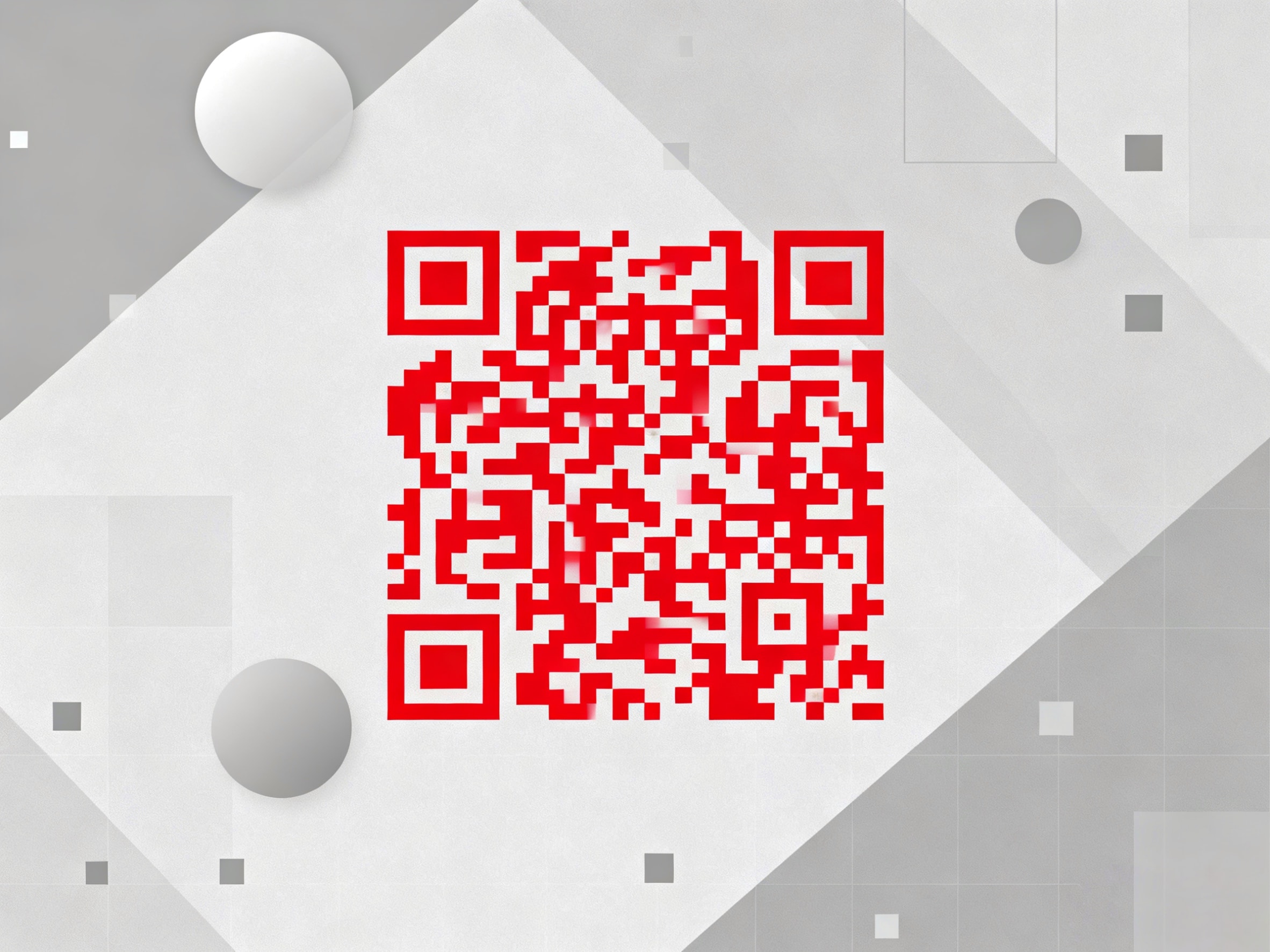
The contrast between the QR code and its background should be sufficient to ensure easy scanning by the user. Color contrast is one of the key factors for effective QR code design. First of all, a QR code that is similar to or even the same color as the background may be overlooked by the user and may be difficult to scan with the smartphone camera.
To ensure readability, high-contrast colors should be chosen, such as using a dark QR code against a light background, or vice versa. Considering that QR codes may also appear in low light or low contrast areas, make the QR code larger to ensure readability.
- QR codes need a sharp contrast. It is best to have black text on a white background for optimal results when scanning.
- Color or branded codes need a larger minimum size to offset the reduced contrast.
- Avoid using light colors, gradients, or busy backgrounds behind the code.
Brand and Logo
Many people like to add an image to the middle of a QR code, but small QR codes make it difficult to see what the image is about, and can increase their data size, and over-customization can affect the readability of the code.
If you want to showcase your brand, you can add a branded logo to your QR code by utilizing artificial intelligence or using an online logo maker. It is important to note that the logo should not be too large.
However, you can add images to medium and large QR codes so that you can easily show people your brand.
- Logos, frames, or stylized patterns can make QR codes more appealing.
- However, the complexity of the design can increase the minimum size required.
- Test branded codes at different distances to balance style and functionality.
Quiet Zone
As we mentioned above, the width of the quiet zone should be at least 4x the width of one of the small squares in the QR code. Make sure that this space will not be disturbed by other elements when designing the QR code or printing it. This is usually done by leaving some space around the QR code, ideally 4 blocks of space, so that the QR code can be scanned without any effort.
- Always keep a white border of 4 blocks around the code.
- Never print text, logos, or designs in the quiet zone.
Image Quality
A well-designed QR code needs high-quality images to be scanned; if the image quality is of lower quality, it may not be scanned, and then the well-designed QR code will be ineffective.
In order to improve the image quality and resolution, you can download the QR code in the right format according to your usage. Common formats are PNG, SVG, and EPS for different situations. These vector formats can be scaled without affecting the quality of the image.
In digital applications such as websites or email, you can use PNG, which provides a high-quality image with a transparent background that is easy to overlay in a design. For print use, SVG or EPS are the best choices.
Create Your Own QR Codes Business Card
BizCard’s QR Code Generator allows you to create QR code business cards for free. Its intuitive and user-friendly design lets you set up your digital business cards in minutes, making it easy to create custom QR codes for your personal or business. You can customize the layout, personalization colors, and content to match your branding and style preferences.
Below, I will guide you step-by-step to create your QR code business card!
- First of all, go to BizCard and click on the “Edit Card” option and select “Edit cover” to upload your photo. Then, “Create AI Photo”, and get your profile picture. You can choose different levels of similarity and various styles.
- What’s more, you can then add your AI Agent’s nickname and your title. Click on the “+” button to customize contact info and social platforms. In the “Call My Agent” option, you can customize the different contact info you want to show, such as phone number, email, LinkedIn, and WhatsApp, as well as different social media platforms, such as Instagram, TikTok, and YouTube.
- Finally, once you are satisfied with your QR code business card, you can click the “Share” icon to generate a QR code for immediate sharing. It’s that simple!
Minimum QR Code Size FAQs
1. How do I ensure that my small QR code is still effective and scannable?
To ensure the effectiveness of small QR codes, keep the overall size to at least 2 x 2 cm. Also, try to use high contrast colors to avoid encoding too much data. You can also test the code on multiple devices to ensure it is effective and scannable.
2. Is the smallest QR code less secure?
The smallest QR code is no less secure than a standard QR code. The size of a QR code only affects its ability to store data. The security of a QR code is usually related to what it encodes.
3. Do QR codes need a white background?
Not required. While a white background is a common choice, you can customize the color of your QR codes. However, you need to keep the QR code scannable and sharp, and be aware of the contrast.
Conclusion
In conclusion, the size of a QR code plays a crucial role in its functionality and scannability. Practicality should be taken into account when choosing the minimum QR code size, striking the right balance between size and functionality to provide a user-friendly experience for both creators and users.


