


First impressions matter in business, and nothing creates a lasting impression quite like a professionally designed visiting card. Whether you’re attending networking events, meeting potential clients, or building relationships within your community, a well-crafted business card serves as a tangible representation of your brand and services. However, creating a design from scratch can be time-consuming and expensive, especially for small business owners who need to focus their energy on growing their business.
This is where templates for visiting cards become invaluable. These pre-designed layouts provide a foundation for creating professional business cards without requiring extensive design experience or significant financial investment. In just minutes, you can customize a template to fit your brand, add your information, and create a polished final product that rivals cards created by professional designers.
In this comprehensive guide, you’ll discover everything you need to know about visiting card templates, from understanding the essential elements to finding the perfect design for your industry. Whether you’re in real estate, health services, or running a dental practice, you’ll find templates that can improve your professional image and help you connect with clients more effectively.
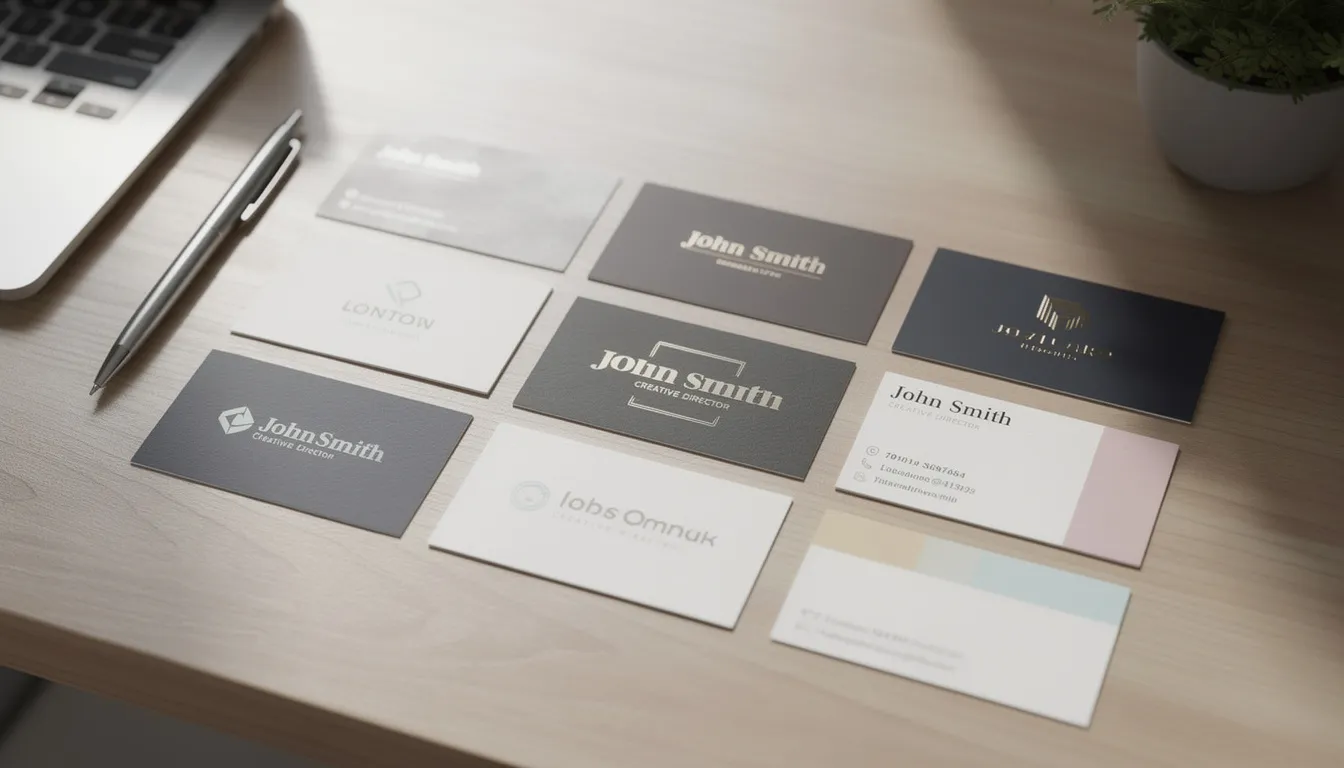
What is a Visiting Card Template
A visiting card template is essentially a pre-designed layout that serves as the foundation for creating your own business cards. These templates come with placeholder text, designated areas for logos and contact information, and professionally balanced design elements that you can customize to match your brand identity.
The primary benefit of using templates versus creating your own design from scratch lies in the significant time savings and professional results they deliver. While a custom design might take hours or days to perfect, templates allow you to create polished business cards in minutes. You simply need to browse through available options, choose a style that fits your brand, and replace the placeholder content with your own information.
Templates serve as an essential tool for personal branding and organizing contact information in a visually appealing manner. They ensure that critical details like your phone number, email address, and services are presented in a clear, readable format that makes it easy for potential clients to connect with you later.
Most visiting card templates are available in various file formats including PSD (Photoshop), AI (Adobe Illustrator), JPEG, and PNG files. This variety ensures compatibility with different design software options, whether you prefer to work in professional programs like Adobe Creative Suite or more accessible online platforms like Canva. Many templates also come as print-ready PDF files that you can send directly to printing services without additional formatting.
Essential Elements of Visiting Card Templates
Every effective visiting card template incorporates several key components that work together to create a professional and functional design. Understanding these elements helps you choose templates that will best serve your business needs and ensure all important information is properly displayed.
Contact information placement represents the most critical aspect of any business card template. The layout should clearly designate spaces for your name, phone number, email address, and physical address when relevant. Professional templates organize this information hierarchically, with your name typically receiving the most prominent positioning, followed by your title and company, then contact details. This hierarchy helps recipients quickly identify who you are and how to reach you.
Logo and brand identity integration areas are equally important, as your visual branding should be immediately recognizable on your card. Quality templates provide flexible logo placement options that work whether you have a horizontal, vertical, or square logo design. Some templates include decorative elements or background patterns that can complement your brand colors and overall aesthetic.
Typography choices and font hierarchy in templates significantly impact readability and professional appearance. Well-designed templates typically use no more than two or three font families and establish clear size relationships between different text elements. Your name might appear in a large, bold font, while contact information uses smaller, more readable typefaces. The best templates ensure that even the smallest text remains legible at standard business card sizes.
Color schemes and background design options vary widely across templates, from minimal black and white designs to vibrant, colorful options with patterns and textures. Professional templates often include multiple color variations, allowing you to choose versions that best match your existing brand palette. Some templates feature subtle background textures or geometric patterns that add visual interest without overwhelming the essential information.
Standard dimensions for most visiting card templates measure 3.5 inches by 2 inches (or 89mm by 51mm), which ensures compatibility with standard wallet sizes and printing equipment. This standardization matters because it guarantees your cards will fit properly in cardholders and networking accessories that your clients already own.
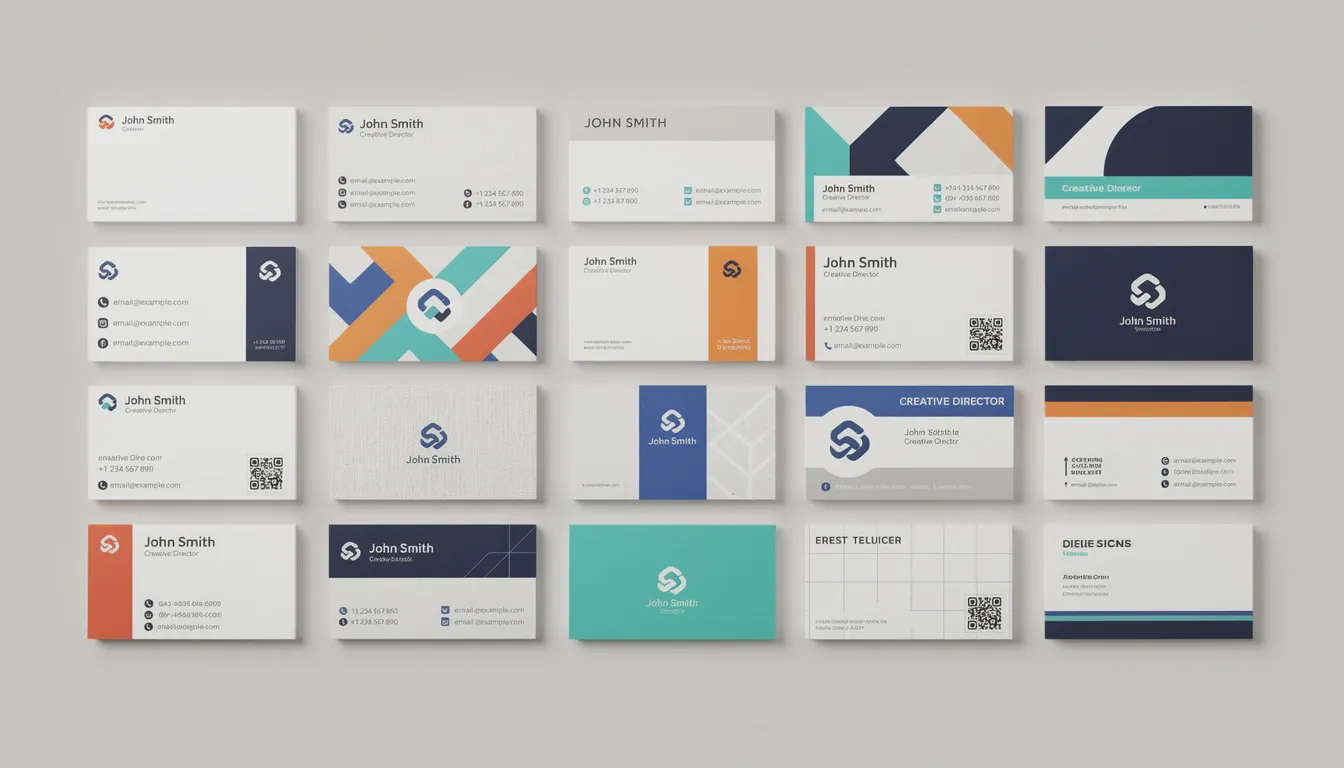
Popular Visiting Card Template Categories
The template marketplace offers numerous categories designed to meet different professional needs and style preferences. Understanding these categories helps you quickly identify templates that align with your industry and brand personality, saving time in the selection process.
Professional and corporate templates feature clean, minimalist designs that emphasize typography and white space over decorative elements. These templates typically use conservative color palettes and structured layouts that convey trustworthiness and competence. They work particularly well for consultants, lawyers, accountants, and other service professionals who need to project authority and reliability.
Creative and artistic templates cater to designers, photographers, artists, and other creative professionals who want their business cards to showcase their artistic sensibilities. These templates often incorporate unique layouts, artistic backgrounds with textures, bold typography choices, and vibrant color palettes that demonstrate creativity and visual expertise.
Industry-specific templates address the unique needs of particular professions, with specialized designs for medical professionals, legal practitioners, real estate agents, and technology companies. These templates often include relevant imagery, appropriate color schemes, and layouts optimized for the type of information each profession needs to share.
Modern and trendy templates incorporate contemporary design elements like geometric patterns, bold colors, and unconventional layouts that appeal to tech startups, marketing agencies, and other forward-thinking businesses. These designs help companies position themselves as innovative and current with design trends.
Classic and traditional templates offer elegant, timeless designs with sophisticated typography and conservative layouts that never go out of style. These work well for established businesses that want to convey stability and longevity in their branding.
Business Professional Templates
Business professional templates focus on creating clean, sophisticated designs that work across corporate environments and formal business settings. These templates prioritize readability and brand consistency over decorative elements, making them ideal for executives, consultants, and service providers who need to project competence and trustworthiness.
Minimalist layouts form the foundation of most professional templates, with generous white space that prevents the design from feeling cluttered or overwhelming. The emphasis falls on typography hierarchy and careful information organization rather than complex graphics or patterns. This approach ensures that recipients can quickly scan the card and find the information they need.
Corporate color schemes typically feature combinations of navy blue, gray, black, and white that convey professionalism and reliability. Many templates offer multiple color variations within these palettes, allowing you to choose options that complement your existing brand colors while maintaining a professional appearance. Some templates include subtle accent colors that add visual interest without compromising the serious tone.
Clean grid-based designs provide structure and balance to professional templates, ensuring that all elements align properly and create visual harmony. These layouts work particularly well for executives and consultants who need to present extensive contact information in an organized, easily digestible format.
Simple logo placement options accommodate various logo styles and sizes without overwhelming the overall design. Professional templates typically position logos prominently but not dominantly, maintaining the focus on contact information while reinforcing brand identity.
Creative Industry Templates
Creative industry templates are specifically designed to showcase artistic sensibilities and demonstrate design capabilities through the business card itself. These templates serve dual purposes: providing contact information and acting as miniature portfolios that immediately communicate the creator’s aesthetic approach and skill level.
Artistic backgrounds featuring textures, patterns, and visual elements distinguish creative templates from their corporate counterparts. These might include watercolor effects, hand-drawn illustrations, photography elements, or abstract geometric patterns that reflect current design trends. The key lies in balancing visual impact with information legibility.
Bold typography choices and unconventional layouts help creative professionals stand out in competitive markets. These templates might feature custom lettering, unique text arrangements, or experimental type treatments that demonstrate design skills while maintaining readability. Some incorporate typography as a primary design element, using creative text layouts to add visual interest.
Vibrant color palettes allow creative professionals to showcase their color sensibility and brand personality. Unlike conservative corporate palettes, creative templates often feature bright, saturated colors, unexpected color combinations, or sophisticated gradients that demonstrate color expertise and artistic vision.
Portfolio-style designs with image placeholders enable photographers, graphic designers, and other visual artists to include samples of their work directly on their business cards. These templates balance space for contact information with areas designated for showcasing visual work, creating comprehensive marketing tools that serve multiple purposes.
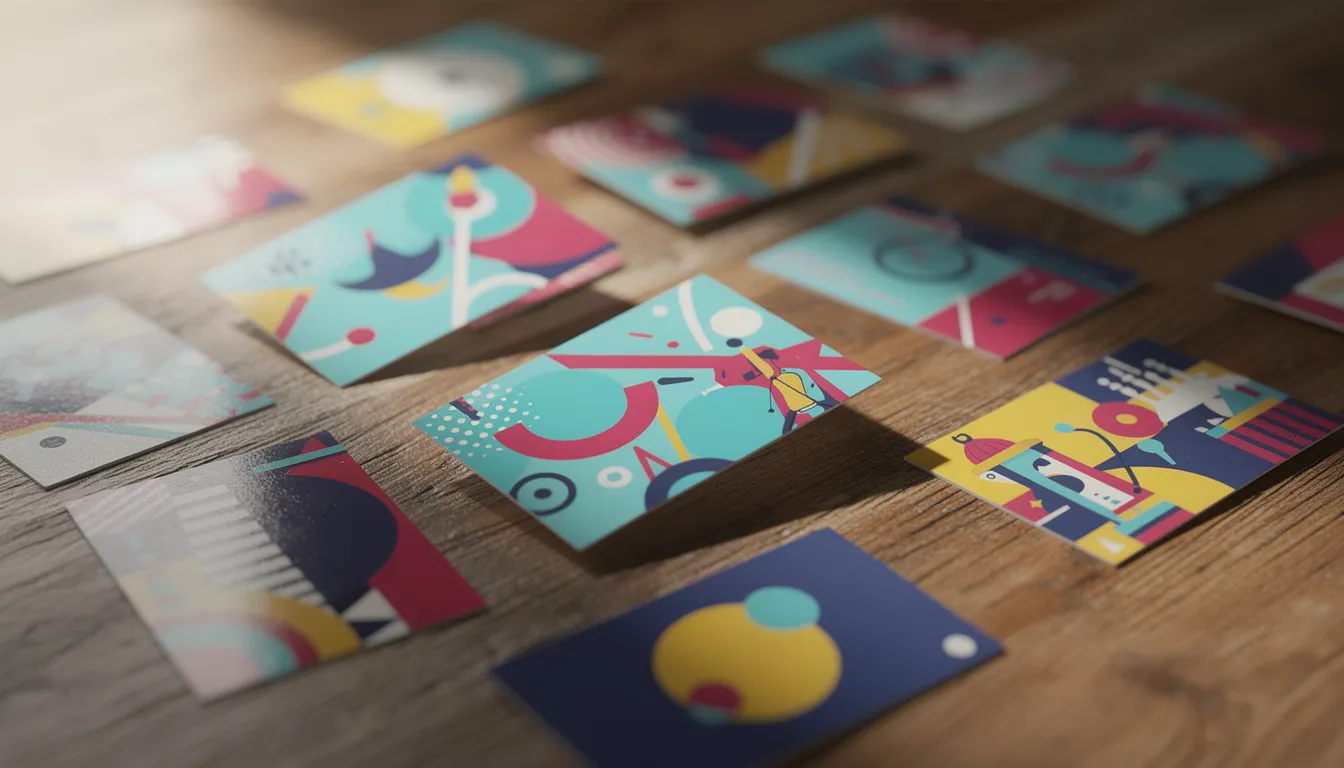
Customization Options in Visiting Card Templates
Modern visiting card templates offer extensive customization capabilities that allow you to create unique designs while working within proven structural frameworks. Understanding these options helps you maximize template value and ensure your final design perfectly represents your brand and services.
Text editing capabilities form the foundation of template customization, allowing you to replace placeholder content with your specific information. Quality templates provide easy-to-identify text areas where you can add your name, job title, company name, phone number, email address, and other relevant contact details. The best templates maintain proper typography hierarchy even as you modify text content.
Color modification tools enable you to adjust template color schemes to match your existing brand palette precisely. Many templates include color swatches or palette options that let you change backgrounds, text colors, and accent elements while maintaining visual harmony. This flexibility ensures brand consistency across all your marketing materials.
Logo upload and positioning features accommodate various logo styles and dimensions, from horizontal wordmarks to square symbols. Advanced templates provide multiple logo placement options and automatic sizing adjustments that maintain proper proportions and visual balance regardless of your specific logo characteristics.
Font selection from template libraries allows you to customize typography while maintaining professional design principles. Many platforms provide extensive font libraries organized by style categories, making it easy to find typefaces that match your brand personality while ensuring readability at business card dimensions.
Background image replacement options enable significant visual customization, particularly useful for creative professionals who want to incorporate their own photography or artwork. These features typically include guidelines for image resolution and composition to ensure professional print quality.
Layout adjustments accommodate different amounts of information, from minimal contact details to comprehensive service listings. Flexible templates can adapt to varying content needs while maintaining visual balance and professional appearance.
Where to Find Quality Visiting Card Templates
The template marketplace includes numerous sources ranging from free platforms to premium design marketplaces, each offering different advantages in terms of quality, customization options, and licensing terms. Choosing the right source depends on your budget, design requirements, and technical comfort level.
Free template websites like Canva, Adobe Express, and GIMP template libraries provide accessible starting points for small business owners working with limited budgets. Canva offers thousands of customizable templates with drag-and-drop editing capabilities that make design modifications simple even for non-designers. The platform includes access to millions of stock images, graphics, and icons that you can incorporate into your designs. Adobe Express provides similar functionality with seamless integration into Adobe’s creative ecosystem for users already working with Adobe products.
Premium design marketplaces including Creative Market, GraphicRiver, and Etsy offer more sophisticated templates created by professional designers. These platforms typically provide higher-quality designs with more detailed customization options and unique artistic elements. Premium templates often include multiple file formats, comprehensive style guides, and customer support from the original designers.
Professional design software built-in templates through Adobe Illustrator, Photoshop, and other industry-standard programs offer maximum customization flexibility for users comfortable with advanced design tools. These templates typically provide the most precise control over design elements and ensure compatibility with professional printing workflows.
Online printing services with template libraries, such as Vistaprint, MOO, and FedEx Office, provide templates specifically optimized for their printing processes and paper stock options. This integration eliminates potential formatting issues and ensures optimal print quality. Many of these services offer both free basic templates and premium upgrade options.
Template specifications vary by source, but quality providers typically offer high-resolution files (300 DPI minimum), multiple format options (PDF, AI, PSD), and clear licensing terms for commercial use. Download formats should include both editable source files and print-ready versions to accommodate different workflow preferences.
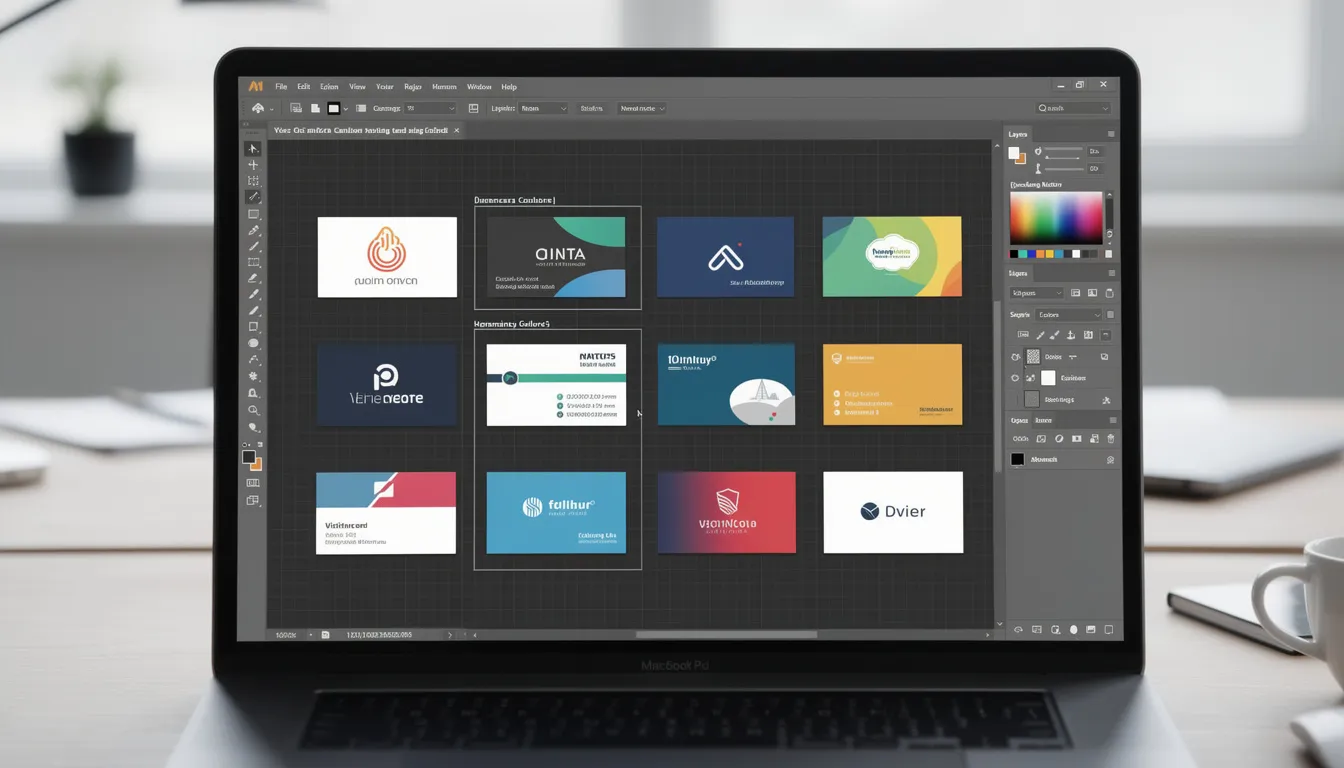
Design Tips for Using Visiting Card Templates
Selecting and customizing visiting card templates effectively requires understanding fundamental design principles and best practices that ensure professional results. These guidelines help you avoid common mistakes while maximizing the visual impact of your finished cards.
Choose templates that align with your industry and brand personality to ensure consistency across all your marketing materials. A dental practice benefits from clean, trustworthy designs in calming colors, while a creative agency might select bold, innovative templates that demonstrate design capability. Your template choice should immediately communicate your professional identity and service quality.
Ensure text readability by maintaining appropriate font sizes, with contact information requiring a minimum of 8 points for legibility. Even if templates include smaller text areas, resist the temptation to cram excessive information into limited space. Remember that recipients need to quickly scan your card for essential details, so prioritize clarity over comprehensiveness.
Maintain consistency with existing brand colors and logo style to reinforce brand recognition across all customer touchpoints. If your website, letterhead, and other materials use specific colors, ensure your business card templates match these elements. This consistency creates professional cohesion that strengthens brand memory and recognition.
Leave adequate white space to avoid cluttered appearance and allow design elements to breathe. Professional templates already incorporate appropriate spacing, but avoid the temptation to fill empty areas with additional information or decorative elements. White space enhances readability and creates visual sophistication that reflects positively on your business.
Consider both sides of the card for maximum information and visual impact. Many templates include back-side designs that can accommodate additional services, contact methods, or branding elements. However, ensure that essential information remains on the front side, as recipients might not always view both sides immediately.
Test print quality before ordering large quantities to verify colors, readability, and overall appearance. Many printing services offer sample prints or proof copies that let you evaluate the final product before committing to full print runs. This step prevents costly reprints and ensures satisfaction with the finished cards.
File Formats and Printing Considerations
Understanding technical specifications ensures that your customized templates produce professional-quality printed cards that accurately represent your design intentions. Proper file preparation prevents common printing issues and guarantees optimal results from professional printing services.
High-resolution templates requiring 300 DPI ensure sharp, clear printing that maintains crisp text and detailed graphics. Lower resolution files might appear acceptable on screen but produce blurry or pixelated results when printed at business card dimensions. Quality template sources provide files already optimized at correct resolutions.
CMYK color mode templates produce accurate print color reproduction, unlike RGB files designed for screen display. Professional printing uses CMYK ink systems, so templates prepared in RGB colors might print differently than expected. Many template providers offer versions in both color modes for different use cases.
Bleed area inclusion, typically 0.125 inches around all edges, accommodates printing tolerances and ensures edge-to-edge color coverage. Templates with proper bleed areas extend background colors and graphics beyond the final trim size, preventing white borders that occur when slight cutting variations happen during production.
Multiple format options including PDF, AI, and PSD files accommodate different design software preferences and printing workflows. PDF files work universally across platforms and printing services, while AI and PSD formats provide maximum editing flexibility for users with appropriate software.
Print-ready specifications provided with template downloads typically include detailed instructions for optimal printing, recommended paper stocks, and finishing options. These guidelines help you communicate effectively with printing services and achieve results that match your design expectations.
Professional printing services often provide specific template requirements or optimized files for their equipment and processes. Using printer-provided templates eliminates potential compatibility issues and ensures that your design works perfectly with their specific production capabilities.
Conclusion
Template for visiting card selection and customization represents a smart business investment that delivers professional results while saving time and money. Whether you operate a dental practice, work in real estate, or provide health services, quality templates provide the foundation for creating memorable business cards that help you connect with clients and grow your business.
The key to success lies in choosing templates that truly fit your brand personality and industry requirements, then customizing them thoughtfully to create unique designs that stand out while maintaining professional credibility. Remember that your business card often creates the first lasting impression of your services, so investing time in selecting and customizing the right template pays dividends in professional relationships and business growth.
Start exploring template options today, and within minutes, you’ll have professional business cards ready to print and share at your next networking events. Your improved professional image will help you build stronger connections and create more opportunities for business success.
![Are Business Cards Still Relevant? 10 Reasons You Need Them in 2026 Networking [with Cases]](https://card.biz/wp-content/uploads/2025/12/image-92-420x280.png)

![What is NFC in Phones? How Does it Work? How to Use [2026 Ultimate Guide]](https://card.biz/wp-content/uploads/2025/12/image-125-420x280.png)